 Spreadsheet
Oopbuy Spreadsheet
Find products on Chinese marketplaces, order through Oopbuy, and review warehouse photos before shipping.
Browse categories
Explore sixteen product groups from Chinese marketplace sellers.
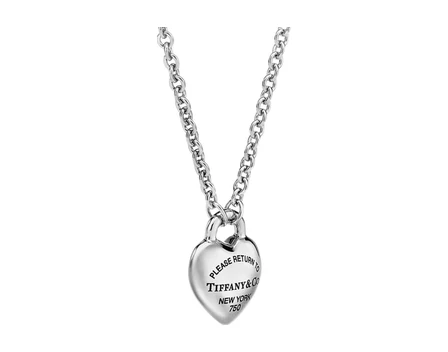 JewelryPendants, chains and rings, where the clasp photo matters more than the hero shot.Category
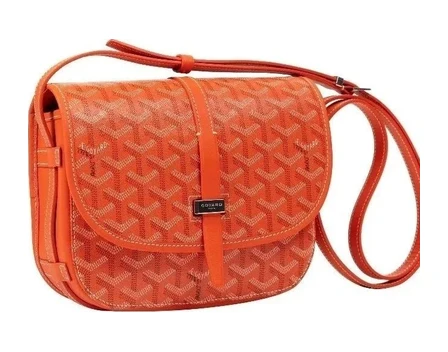 BagsTotes, clutches and backpacks. Ask for the strap and zip close-ups before you pay.Category
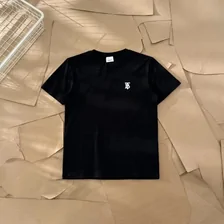
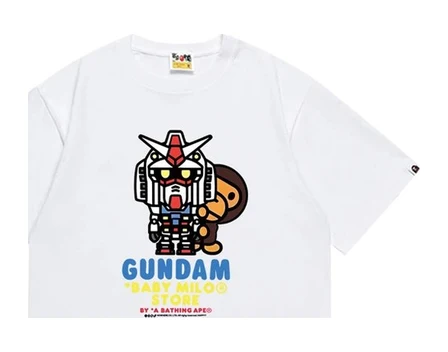 TeesPlain and printed T-shirts; fabric weight is the line worth reading twice.Category
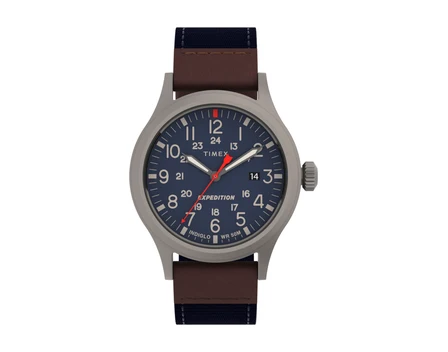 WatchesQuartz and automatic pieces. The warehouse checks the outside only, not the movement.Category
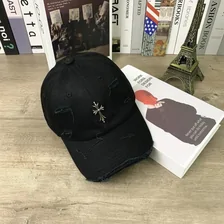
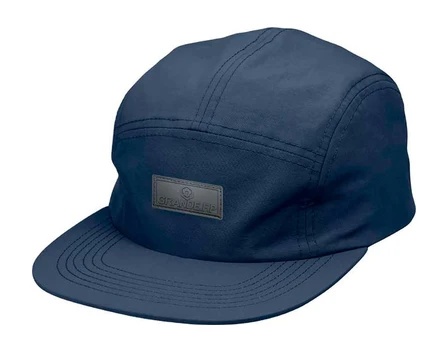 Caps and beaniesKnit and peaked styles; a one-size label still deserves a look at the band.Category
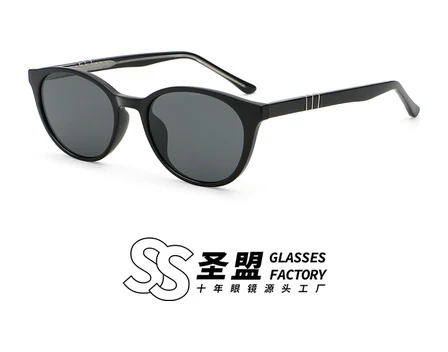 Glasses and sunglassesFrames and shades, the same family that filled the New In shelf on November 10.Category
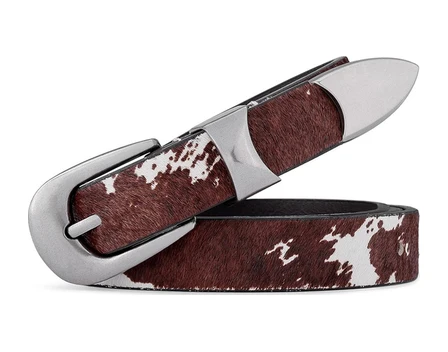 BeltsBuckles and straps. Length is the size that goes wrong most often.Category
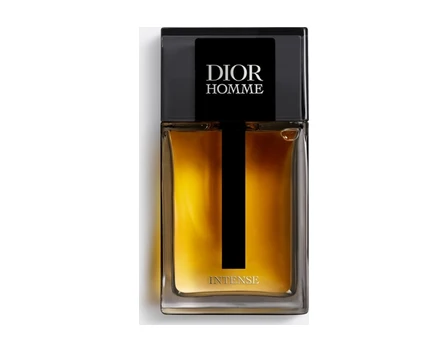 FragranceBottles and gift sets. Liquids are restricted on many lines, so check routes first.Category
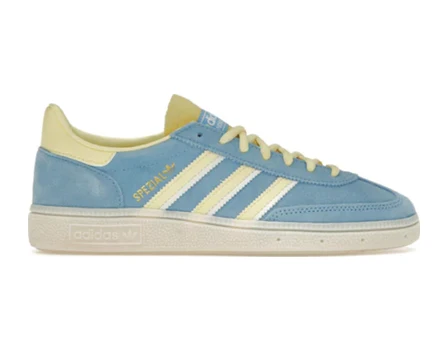 SneakersRunners and court shoes. Compare the insole length, not the size label.Category
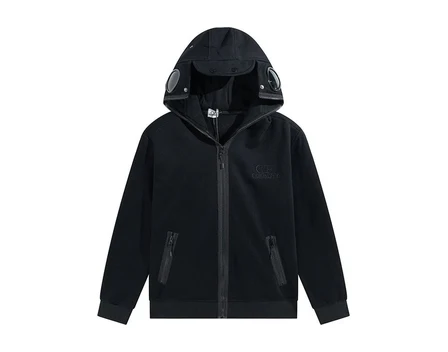 Hoodies and sweatsPullovers and zip-ups, with the chest width as the number to check.Category
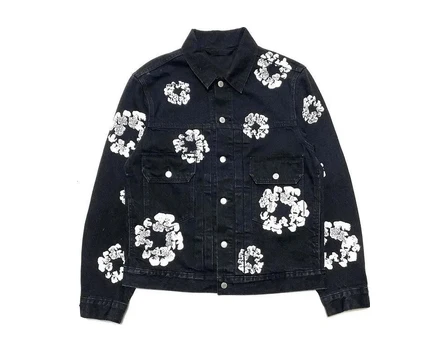 Coats and jacketsPuffers, shells and bombers. Heavy coats add the most to a parcel.Category
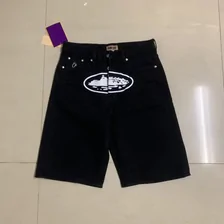
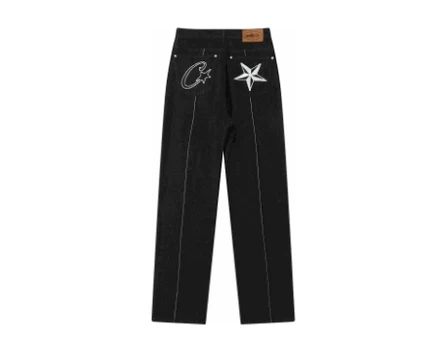 DenimStraight, loose and cropped jeans; waist and inseam beat S, M or L.Category
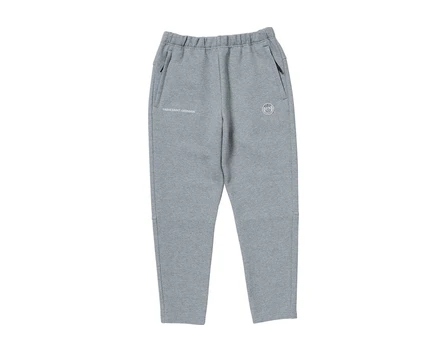 JoggersFleece and track trousers, sold mostly by waist range.Category
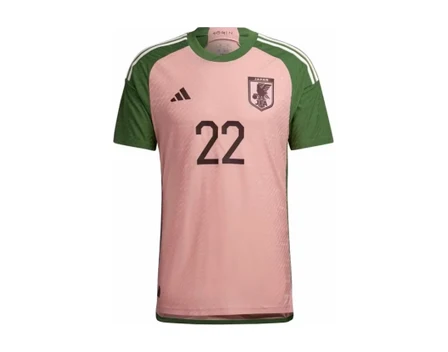 Team jerseysFootball, basketball and retro shirts, often listed with a name and number option.Category
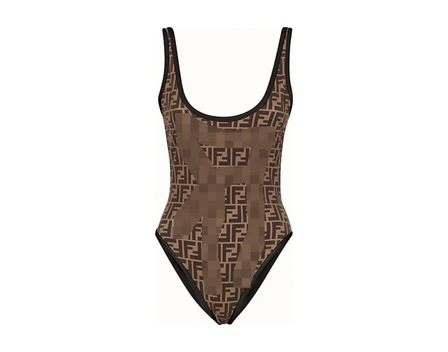 Women's picksA search across dresses, tops and sets rather than one fixed category.Search results
 GadgetsChargers, cables and small devices. Batteries narrow the shipping lines you can use.Category
How the catalogue is organised, and how a find differs from a house-shelf card
Why choose our Oopbuy Spreadsheet?
Start with the item you need
Browse by product type and follow the original seller listing to check variants, measurements and price.
Review the item before it ships
Oopbuy orders the item from the seller and receives it at the warehouse, where you can review QC photos.
Know which shelf you’re shopping
Use the shelf notes to tell a marketplace find from a Brand Sale, AiKuCun or Mall listing.
Guide to buying with Oopbuy
Official shopping walkthrough
Follow the Oopbuy process from account setup and ordering to warehouse checks and parcel submission.
Open the original videoFind the seller link
Pick a product from the Spreadsheet and copy its marketplace link.
Check the order
Paste the link into Oopbuy, confirm the size and color, and check the item price and domestic delivery.
Review the warehouse photos
When the item arrives, check QC, select what goes in the parcel, and review the international shipping quote.
Costs, QC photos and support
Budget for the item and delivery to the warehouse at checkout. Review international shipping and any parcel charges when you choose the line.
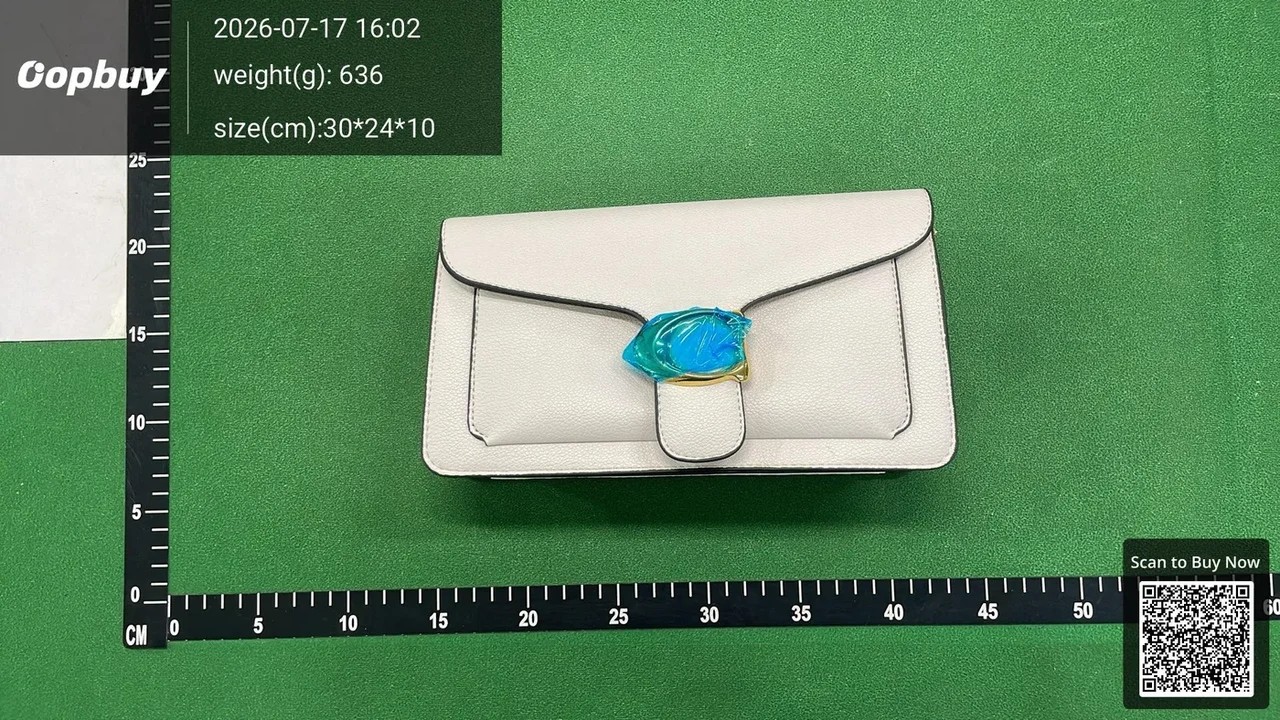
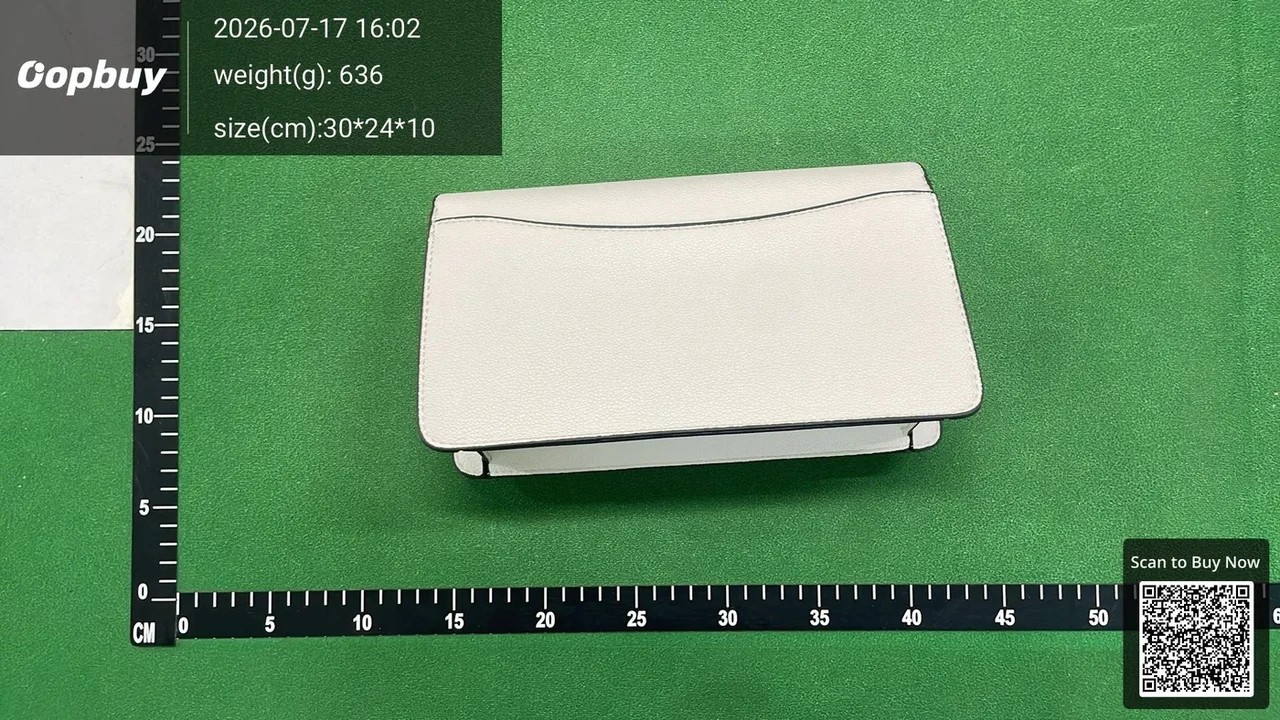
Open the sample photos and look for the details you would check on your own order: the selected variant, labels and visible condition.
Outfit wall
AI-generated styling examples. Check the seller’s measurements, materials and color for each piece.
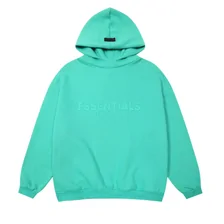
 Soft layersView full size
Shop the try-on
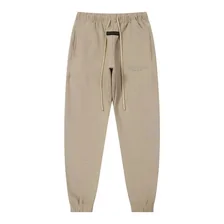
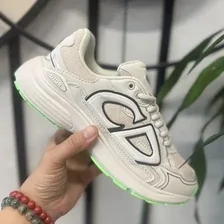
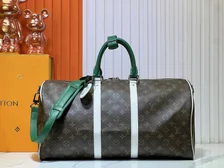
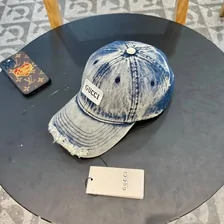
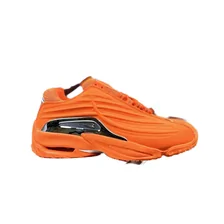
 Color contrastView full size
Shop the try-on

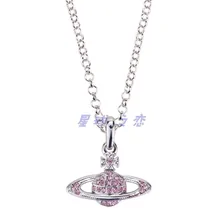
 Printed denimView full size
Shop the try-on
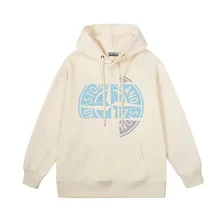
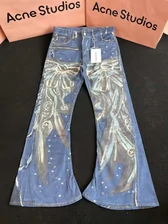
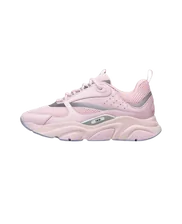
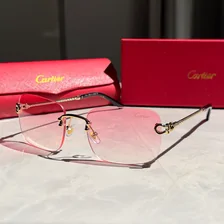
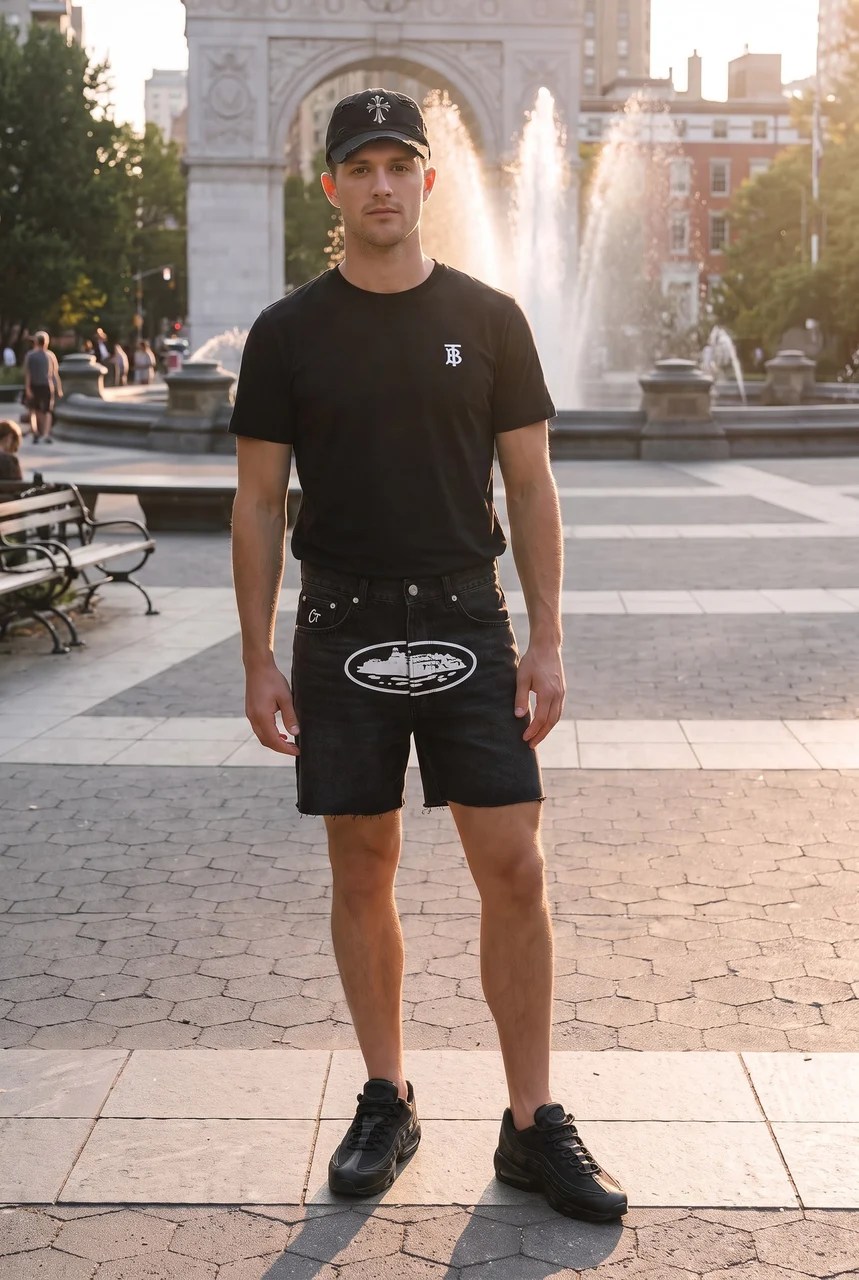 Black basicsView full size
Shop the try-on
Seven shelves on the Oopbuy homepage, top to bottom
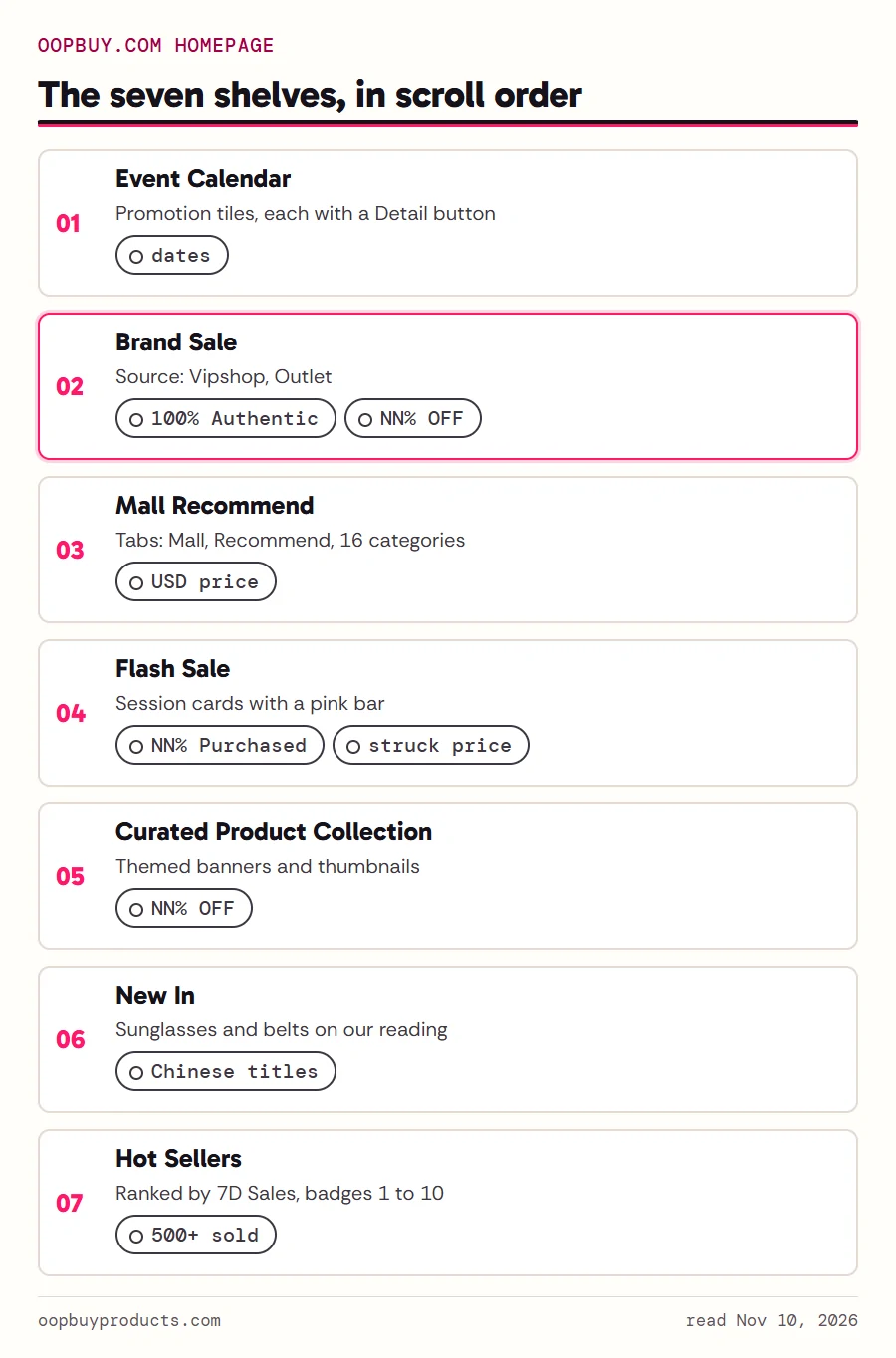
Scroll oopbuy.com past the search bar and the How to Buy panel and the shelves come in this order: Event Calendar, Brand Sale, Mall Recommend, Flash Sale, Curated Product Collection, New In, and Hot Sellers Ranked by 7D Sales. We read the same order twice, late on November 9 and early on November 10, 2026.
Each shelf speaks a slightly different language. Flash Sale cards carry a pink bar marked NN% Purchased. Curated tiles show only a percentage and the word OFF. Hot Sellers puts numbered badges on its first ten cards and adds rounded counters such as 500+ sold to some of them, not all. Several New In titles are still in Chinese, which tells you the listing came straight from a Chinese source without a translation pass.
The house shelves page reads each one in turn, with what it prints, what it counts and what it leaves out.
Brand Sale and AiKuCun, the two branded channels
Two parts of Oopbuy deal in branded goods rather than marketplace finds. Brand Sale is the homepage strip whose header reads Source: Vipshop, Outlet next to a chip that says 100% Authentic. On November 10, 2026 it showed the same eighteen brand tiles as the night before, from Nike and Adidas to Moncler and Under Armour, and its list page went on to more than thirty brand blocks. On the brand pages every card ends with one of two words, Outlet or Vipshop, in front of its percentage.
AiKuCun lives at its own address, oopbuy.com/aikucun, under a header that reads FLASH SALE. Its banner ticks four phrases (Authentic from China, Premium Quality, Ultimate Value, Top-Rated Alternative), and every product card runs a countdown. On our two readings all the timers on the page pointed at the same moment, around noon China time on November 10.
Neither channel appears anywhere in Oopbuy's 211 help articles. Read the details on Brand Sale and AiKuCun.

Four questions a label should answer
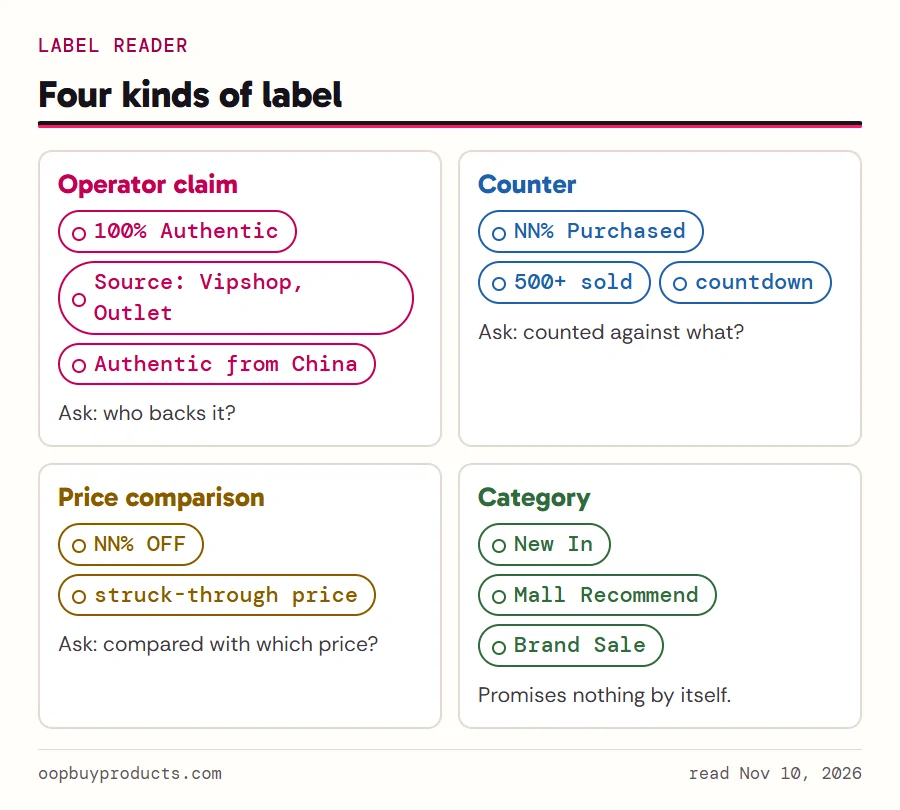
Every label on a house shelf belongs to one of four kinds. An operator claim is a sentence Oopbuy says about its own goods (100% Authentic). A counter is a number that moves (NN% Purchased, 500+ sold, a countdown). A price comparison sets one price against a struck-through one (NN% OFF). A category is just the name of a shelf (New In, Mall Recommend).
The kind tells you what to ask. A claim needs a source; a counter needs a base; a price comparison needs to say what it compares against; a category promises nothing at all. The shelf label reader takes any of thirteen labels and gives you its card: where it appears, Oopbuy's exact words with the date we read them, which kind it is, what Oopbuy has not published, and how it differs from a catalogue find. For the two counters it also takes the number on the label and checks it before saying anything.
Latest shelf readings
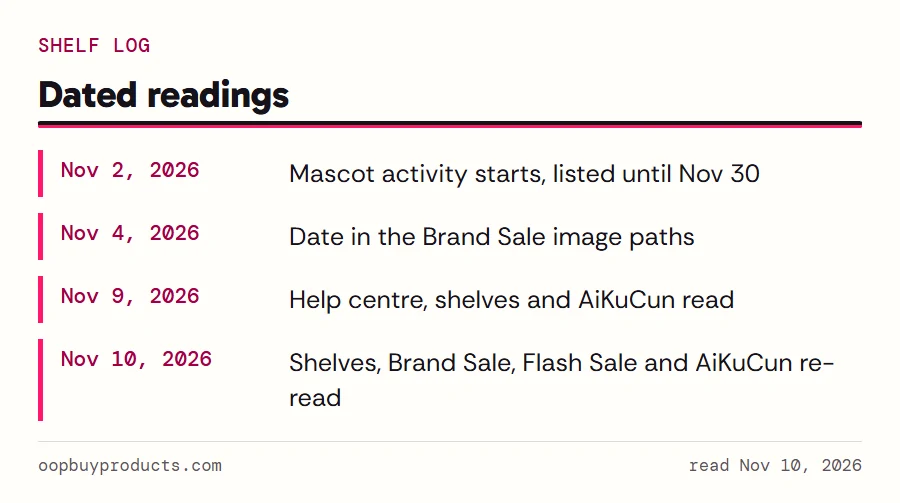
Shelves change faster than help articles. On November 10, 2026 the homepage carried a top banner for a shipping coupon with the redeem code BFSPREE, the Brand Sale strip was still up with assets dated November 4, and a mascot activity listed as running from November 2 to November 30. Every reading on this site is dated, and the shelf log keeps the list of what changed and when.
If a label you see today differs from what we describe, the live page wins.